iOS 玻璃按钮 -> 自定义 Popover
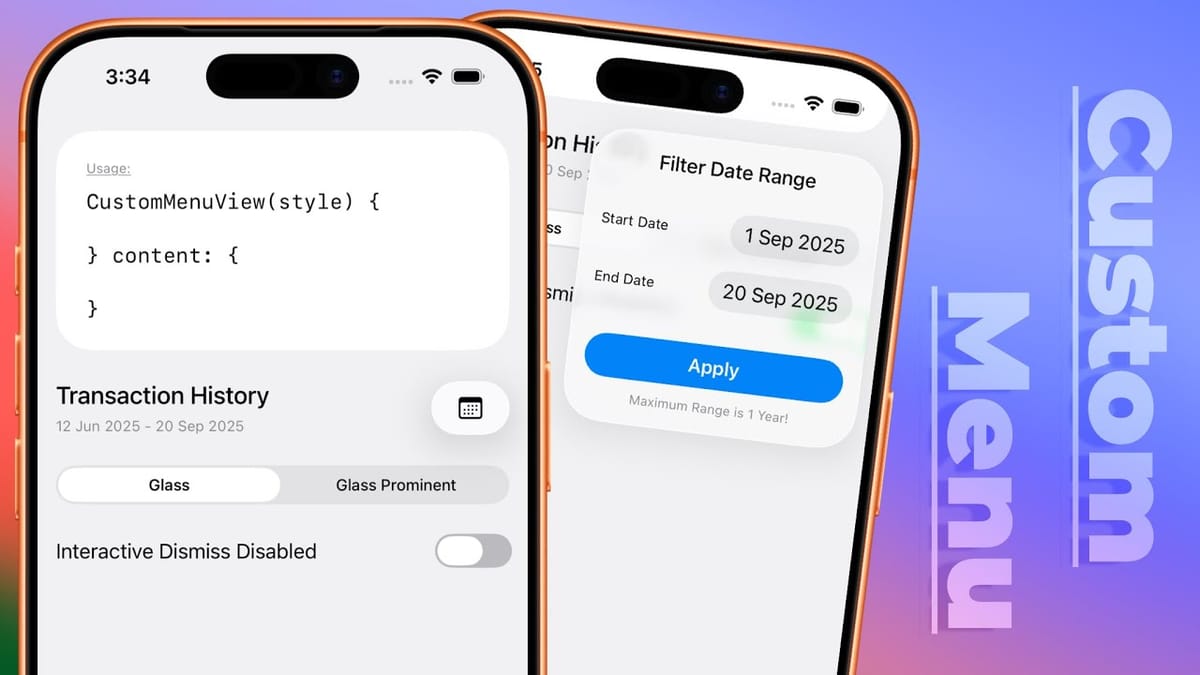
本质上是把 zoom 和 popover 一起使用,这样就可以把小箭头省略掉了。
代码先行:
@Namespace private var settingsNamespace
@State private var isSettingsExpanded: Bool = false


Button {
    isSettingsExpanded.toggle()
} label: {
    Image(systemName: "gearshape")
        .matchedTransitionSource(id: "SETTINGS_POPOVER", in: settingsNamespace)
}
.buttonStyle(.glass)
.popover(isPresented: $isSettingsExpanded) {
    SettingsPopover()
        .padding()
        .presentationCompactAdaptation(.popover)
        .navigationTransition(.zoom(sourceID: "SETTINGS_POPOVER", in: settingsNamespace))
}
代码来源:
iOS 26 Custom Menu Using SwiftUI | Xcode 26
Hello Guys 🖐🖐🖐In this video, I’ll show you how to create a Custom Animated Menu Using SwiftUI | SwiftUI Animated Menu | SwiftUI Custom Menu View | SwiftUI…

如果需要多个按钮合在一起,则只需要使用 `GlassEffectContainer` 和 glassEffectUnion 创建合在一起的按钮即可。
GlassEffectContainer {
    HStack (spacing: -5) {
        if !isFilterDefault {
            resetFilterButton
        }
        filterButton
    }
    .glassEffectUnion(id: "RECENT_FILTER_BUTTONS", namespace: filterNamespace)
}
Mastering Liquid Glass in SwiftUI – Buttons, Containers & Transitions
SwiftUI’s Liquid Glass effect in OS 26 is more than just eye candy—it’s a whole new design system. In this tutorial, I’ll guide you through the new button st…